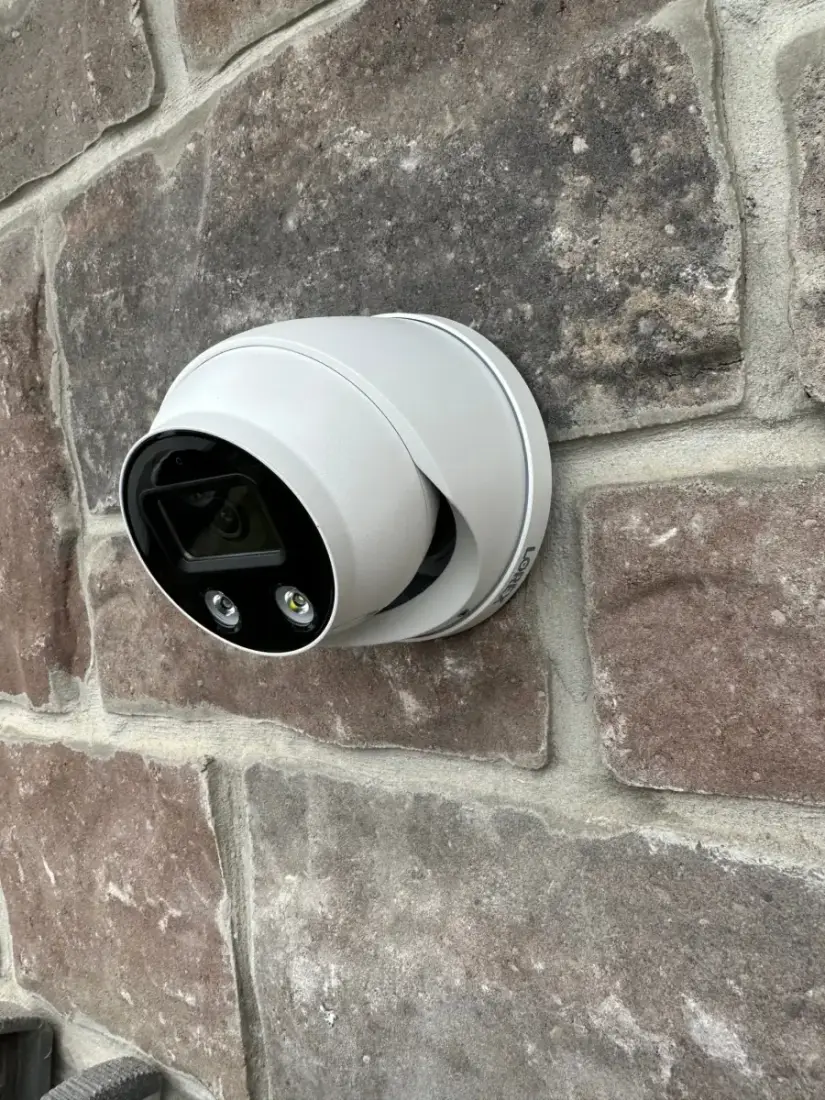
Cameras & smart home · 2 min read
Before buying smart-home devices, check these connections.
A device needs to fit your home, your network and the way you want to control it. A compatibility check can prevent an expensive mismatch.
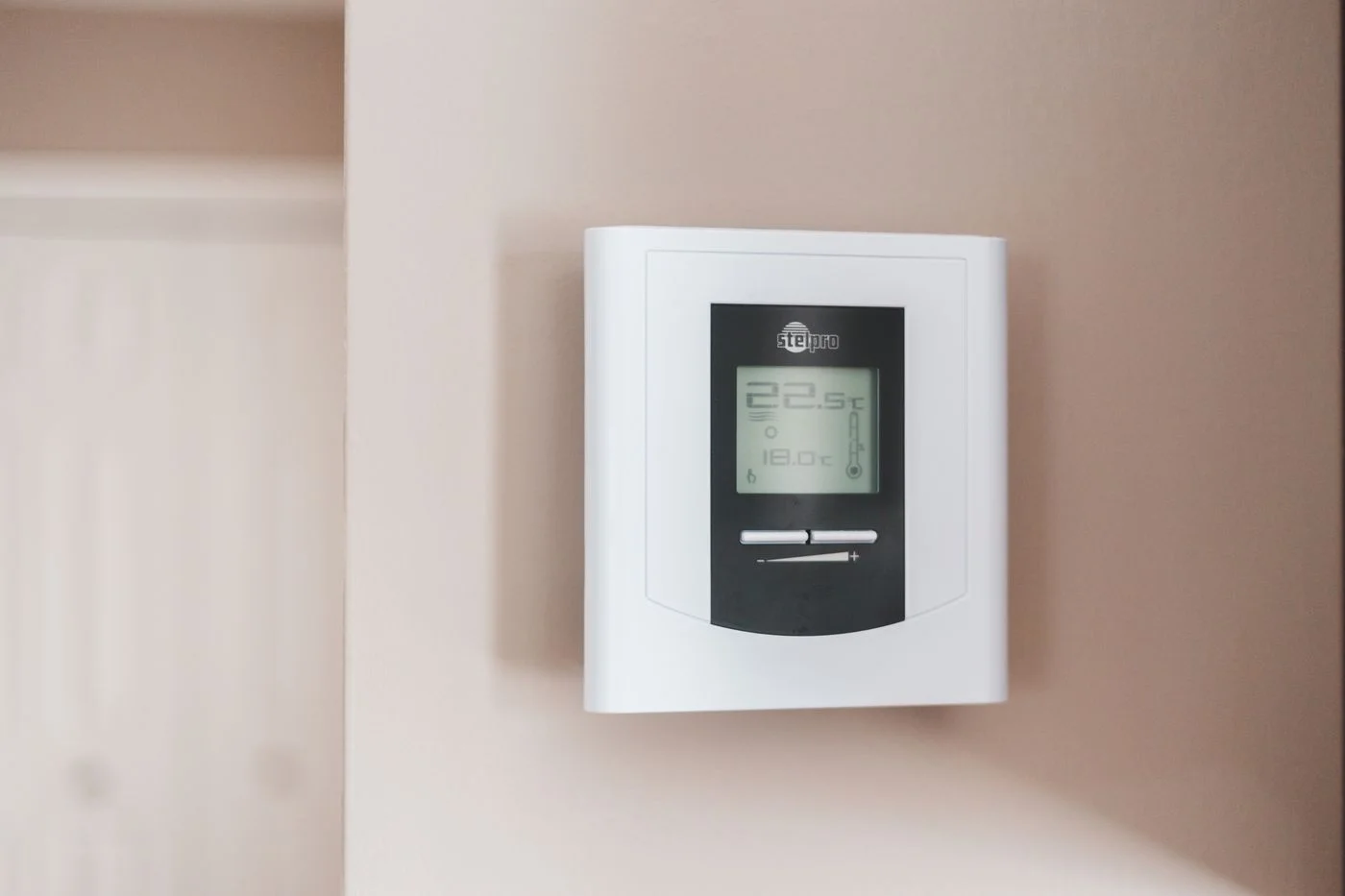
At a glance
Your quick checklist
- One or two desired routines defined
- Models, hubs and network requirements checked
- Subscriptions and update support understood
- Account recovery and handover planned
Start with one useful routine
Decide what you want to make easier: controlling lights, checking an entrance or operating blinds. Describe the result in plain language. Buying several products first and hoping they work together can leave you with extra apps and unfinished setup.
Check the exact model requirements
Look for the supported platform, network requirements, power source and any required hub. Similar product names do not mean identical compatibility. Share links to the devices you already own and those you are considering so the installer can assess the combination.
Understand ongoing commitments
Check whether important functions need a subscription and how long the manufacturer supports updates. Get Cyber Safe recommends securing smart devices with updates and strong account protection. Use your own account, enable available multi-factor authentication and keep recovery details somewhere you can find them.
Plan a useful handover
Ask for a demonstration of the routines you requested and what to do if a device loses connection. Confirm who can access the system and remove access that is no longer needed. Any work involving household wiring needs the appropriate qualified professional and should be scoped separately.