Cameras & smart home · 2 min read
Plan your camera installation around what you need to see.
Start with entrances, useful views and how you will access recordings. Camera count comes after the coverage plan.
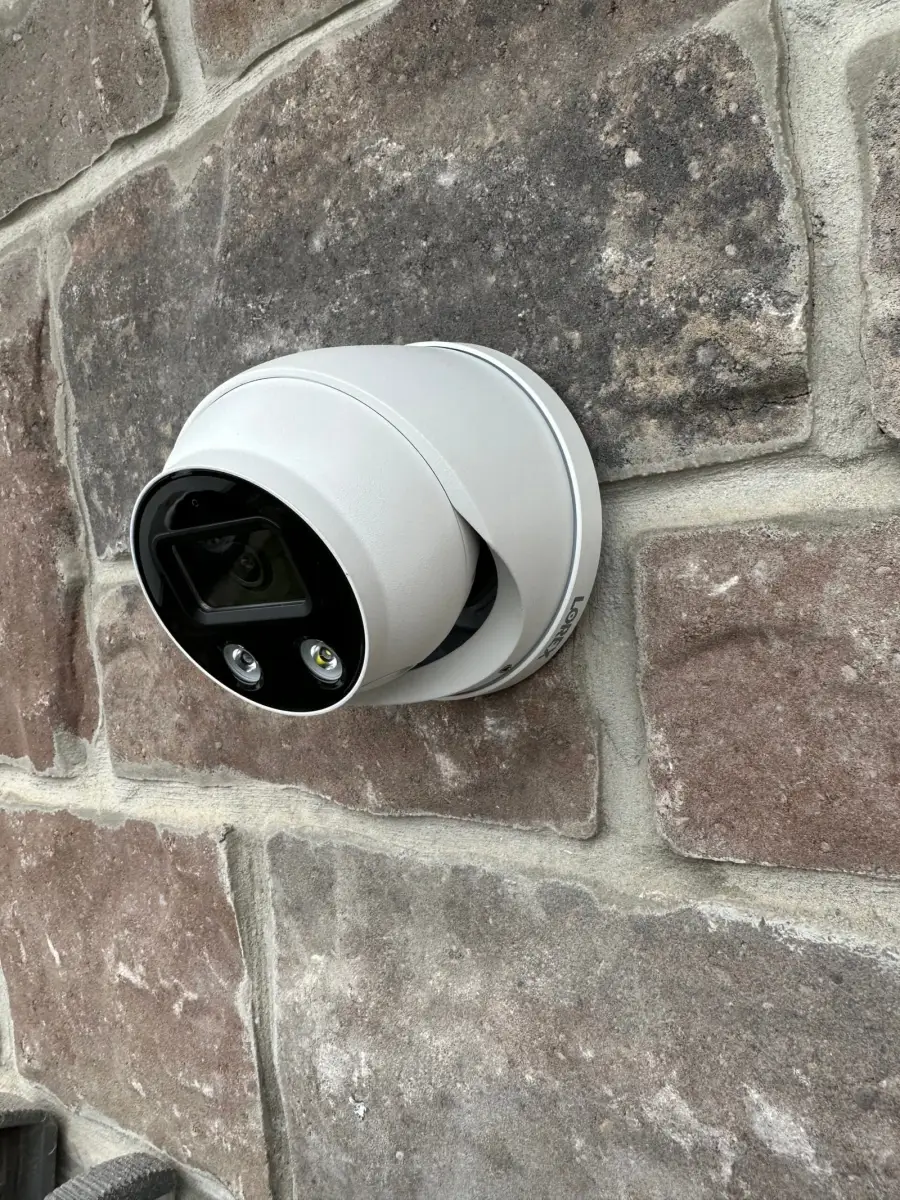
At a glance
Your quick checklist
- Coverage goals and location photos
- Storage and subscription details checked
- Permissions and field of view reviewed
- Account ownership and playback demonstrated
Describe the view you need
List the doors, driveway or other areas you want to monitor and explain why. A wide overview and a useful close view are different goals. Send photos of proposed locations so the installer can discuss obstructions, lighting and the route for power or data.
Ask how recordings will work
Check where footage is stored, whether a subscription is required and how you retrieve a clip. Ask what happens when the internet or power is unavailable for the specific system being considered. Do not assume every camera offers the same recording or offline behaviour.
Consider neighbouring spaces
Aim for the area you need to cover and discuss avoiding unnecessary views into neighbouring private spaces. Ask about privacy masking where the equipment supports it. Shared buildings and business premises can have additional requirements, so confirm permissions and responsibilities before installation.
Keep control of your account
Use an account you control, review who can access footage and learn how to change permissions. Before handover, ask for a demonstration of live view, playback and notifications. A camera system can help you observe an area; it is not a guarantee that an incident will be prevented.
What should the installation price cover?
There is no single published camera-installation price on this site. A useful quote starts with the number of cameras, their models, mounting heights, power arrangements and intended cable routes. State whether you already own the equipment. Ask for hardware, installation, setup and any recurring manufacturer subscription to be distinguished. Confirm which setup and handover tasks the team will complete. A wired system, a battery camera and a video doorbell can need different work; compare quotes for the same equipment and locations.