
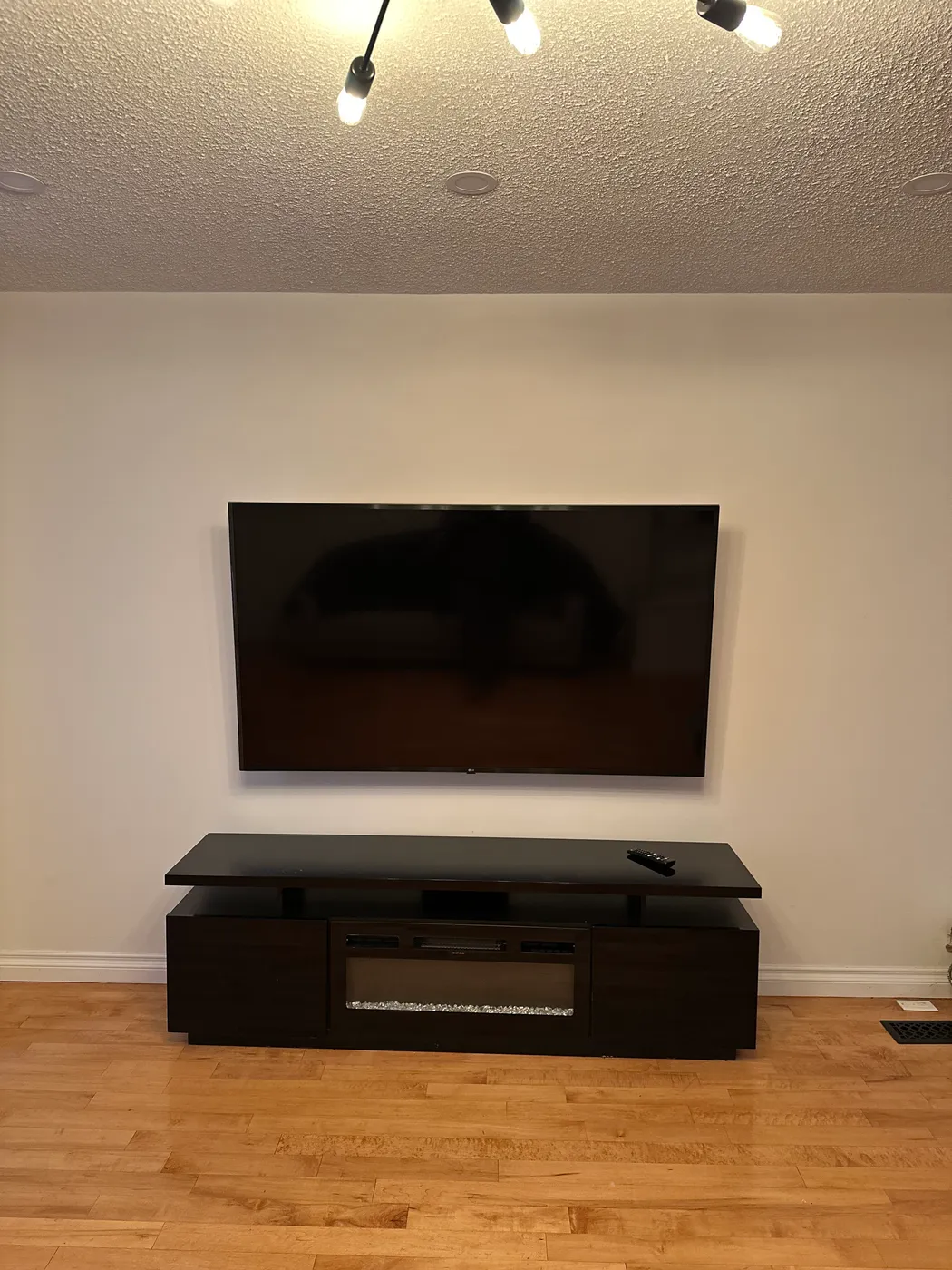
Explore this service
Tell us the TV and the wall
Send the TV model or screen size, a photo of the wall, what the wall is made of if you know, and whether you already have a mount. We reply with a price and anything you should buy first.
Heat and viewing angle when mounting over a fireplace
Start with heat. A gas or wood fireplace sends warm air up the wall, and electronics do not like sitting in it. Check the clearances in your fireplace manual and the operating temperature range in your TV manual. A mantel below the TV helps deflect heat; if you can hold your hand flat on the wall above a running fire and it feels hot, the TV should not go there.
Then think about the viewing angle. Over a fireplace the screen ends up far above eye level, and a couple of hours tilting your head back is uncomfortable. A tilting mount angles the screen down, and a pull-down mount brings it lower when you watch. Both are worth considering before you commit, and we will tell you what we see when we look at the wall.
Behind a fireplace wall there can also be a chimney chase, metal framing or stone, which changes the fasteners. A photo of the wall and the mantel helps us arrive prepared.
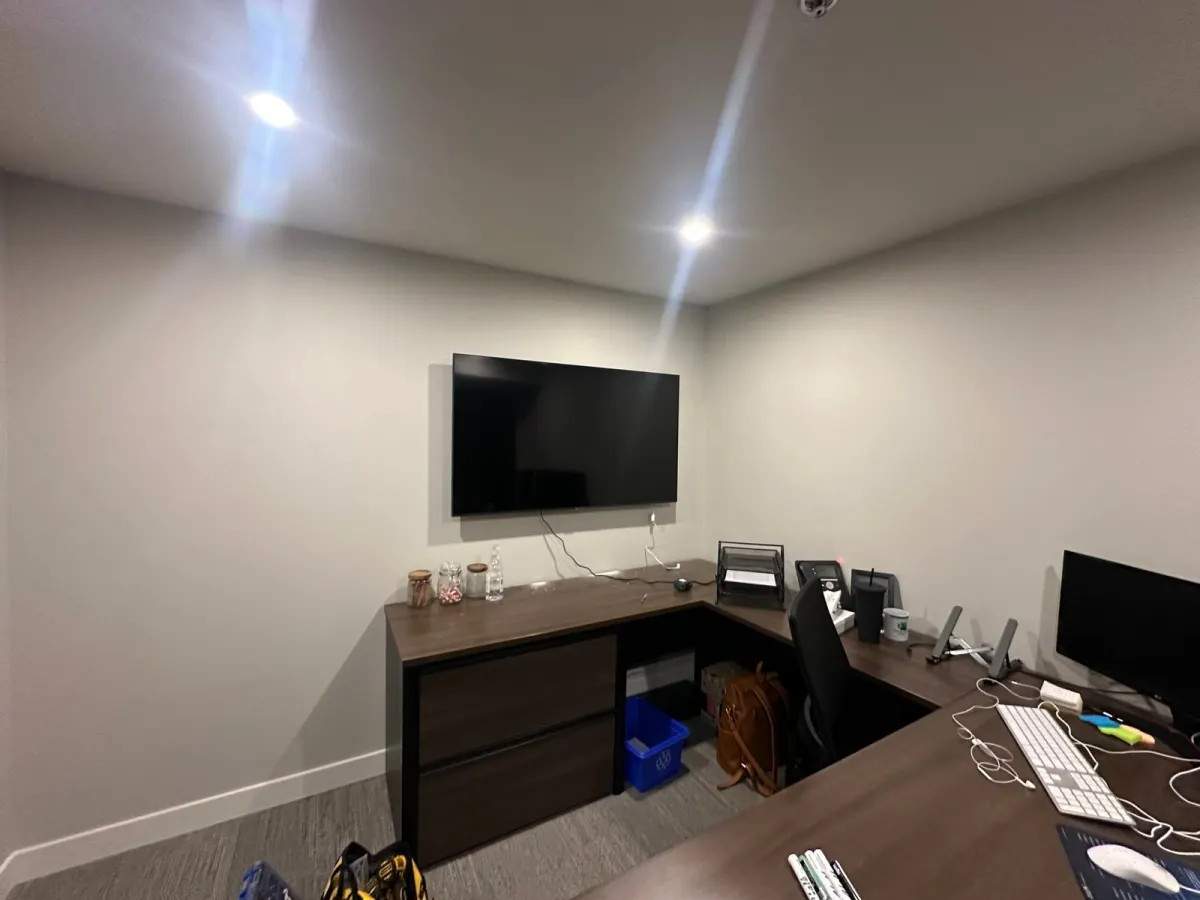
A TV mounted above an office desk
A real job: a flat-screen mounted above an L-shaped desk in a small office. Over a desk, the screen sits higher than in a living room and is angled to the chair rather than a couch. The same planning applies at home: decide where you sit, then set the height.
Cable concealment options to ask about
Decide this before the TV goes up; changing it afterwards means taking the TV down.
Paintable cable cover
A slim channel on the wall surface from the TV down to the console. Works on any wall type, including brick and concrete.
In-wall routing
Cables run inside a drywall cavity to an opening near the floor. It depends on what is inside the wall, and power cords need a proper in-wall power kit rather than a regular cord.
Behind the console
Mount the TV low enough that the cables drop straight behind a media unit and simply are not seen.
Fewer cables
A streaming stick on the back of the TV can leave you with just power and one HDMI line to hide.
What to have ready
The TV, unboxed if possible
Keep the screws that came with the stand; the mount may use some of them.
The mount, if you have one
Check it is rated for your TV's weight and size. If you do not have one, ask us what type suits your wall.
Your VESA pattern
The spacing of the four screw holes on the back of the TV, such as 300 x 300 or 400 x 400 mm. It is in the manual and must match the mount.
A decision on height and cables
Sit where you will watch and pick the centre height. Decide on cable concealment before mounting day.
Your questions, answered
Before you book
How much is TV mounting in the GTA?
It is priced by the job. Send the TV size or model, a photo of the wall, the wall type and whether you have a mount, and we reply with a price.
Can you mount a TV on brick or concrete?
Yes, with masonry or concrete anchors drilled into solid material. In a condo, check whether the building has rules about drilling into concrete walls before you book.
Should I mount my TV over the fireplace?
Only if the wall stays cool enough and you can live with the viewing angle. Check both manuals for clearances and temperature range, and consider a tilting or pull-down mount.
Do you supply the mount?
Most people buy their own. If you do not have one, tell us the TV model and wall type and we will tell you what to get, or confirm whether we can bring one.
Can you hide the wires?
Yes, with a surface cable cover, in-wall routing where the wall allows it, or by mounting low enough to hide cables behind furniture. Tell us which you want when you book.
What is a VESA pattern?
The standard spacing of the mounting holes on the back of a TV, in millimetres. Your mount has to support your TV's VESA pattern and its weight.